

finder but better.
a native macos file manager that does not suck. folder sizes off a real index, a visor w a built in terminal, tabs + dual pane, sftp + s3, themes and mods.
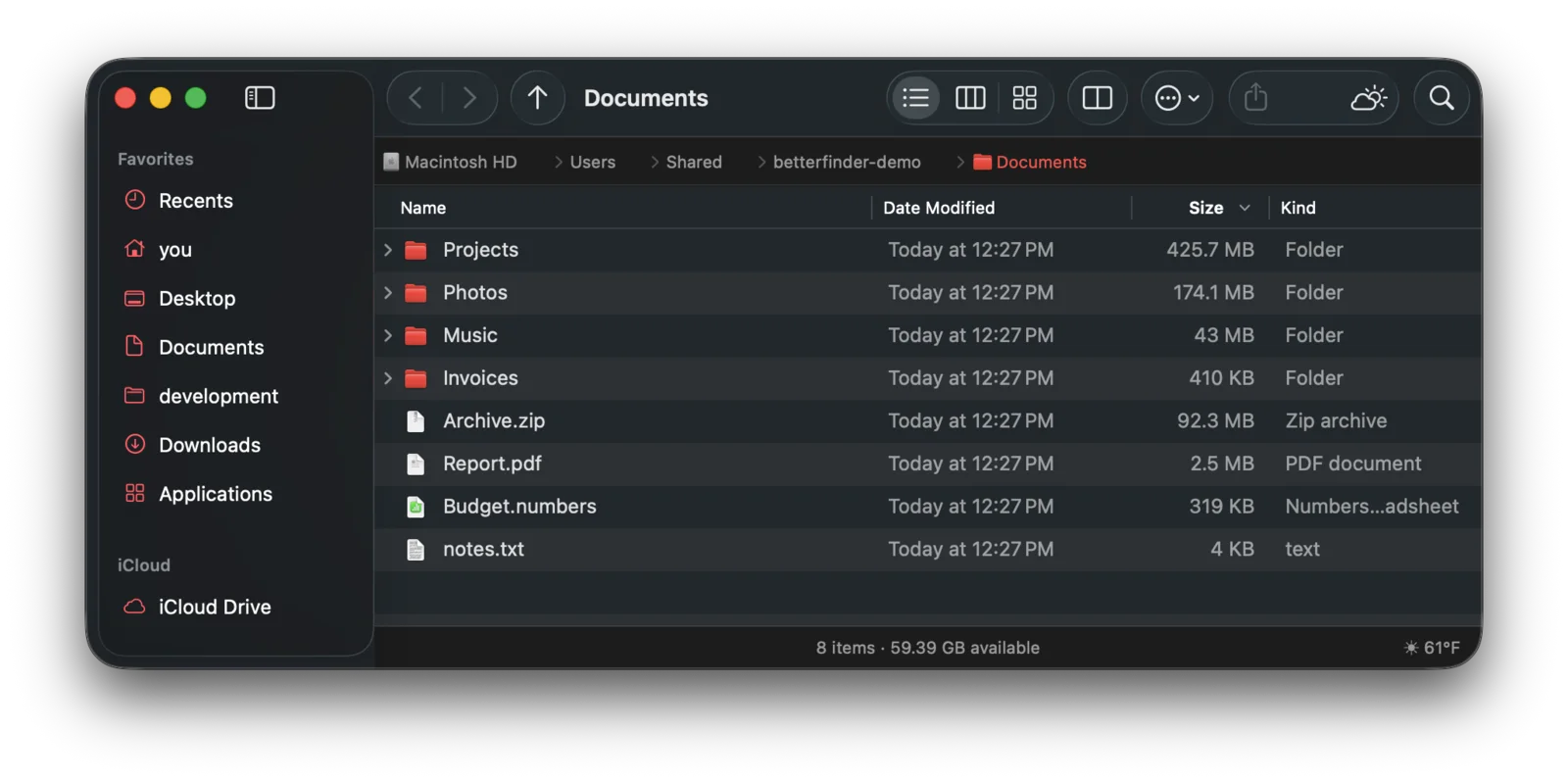
the top 8 imho iykyk
the full thing lives at betterfinder.info. heres the short version.
folder sizes off a real index
a background file index puts sizes right in the size column. name search runs off it too, so ⌘F is basically instant even across ur whole home.
see whats eating ur disk
- heat column. a little colored bar per row, blue for tiny up to red for huge, same scale in every folder
- space hog. draws ur disk as a map, windirstat style, straight off the index so it opens instantly
- clean up junk. finds caches, logs, package manager leftovers, rebuildable project folders and old installers. nothing is ticked for u, and everything goes to the trash
visor w a built in terminal
totalfinder style. a betterfinder window slides up from the bottom of ur screen on a hotkey, from any app.
- ⌥` or double tap ⌥. slides away when u switch apps, pin it to keep it
- ⌃` splits it w a real terminal on the right half. tabs, and whatever shell u like
tabs, dual pane + windows ur way
- two panes. F5/F6 copy + move across. each pane can have its own sidebar
- drag files onto a tab to move em there
- one toolbar button merges every window into tabs, splits em back out, or moves em into the visor
base finder stuff that has always sucked is fixed
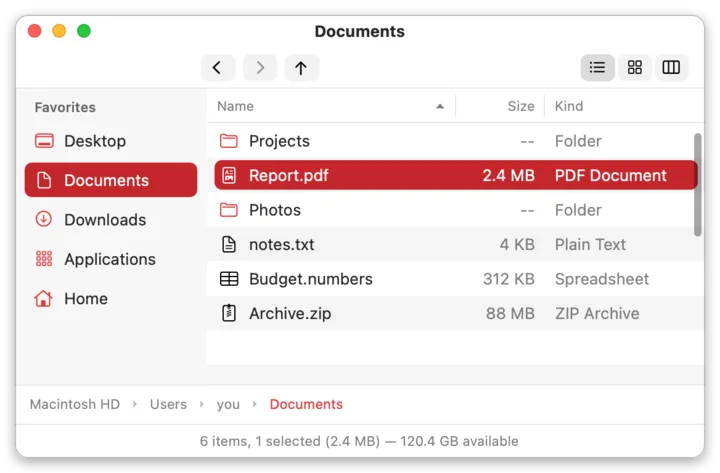
- list view default. sort + layout stick everywhere, never writes .DS_Store
- path bar u can type in. tab completion, ~, paste a file:// url
- real cut + paste. ⌘X then ⌘V moves it. like a normal computer
- filter as u type. type *.zip and the folder narrows instantly
- ⌘F searches where u are, not "this mac"
file operations u can trust
- copy queue. pause, resume, retry, conflict dialog w apply-to-all, undo everything, optional checksum verify
- put back that works. own trash journal so it doesnt randomly break
- eject tells u who's blocking. names the app holding the drive + offers to quit it
sftp + s3
⌘K to connect. browse, copy and move between local, sftp and s3 (r2/minio too). moves verify before deleting.
make it urs
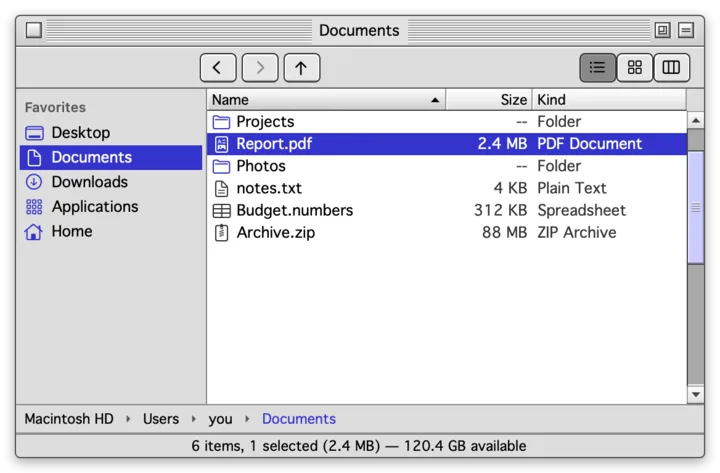
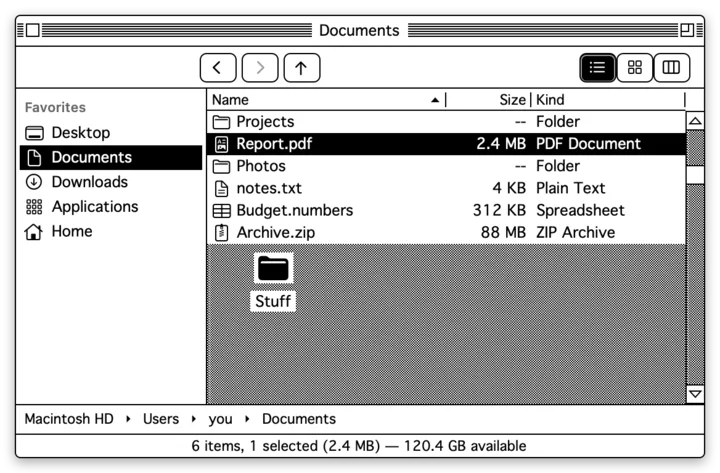
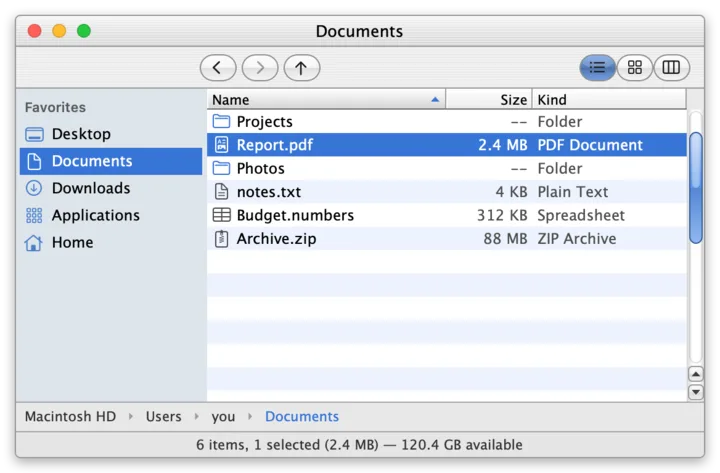
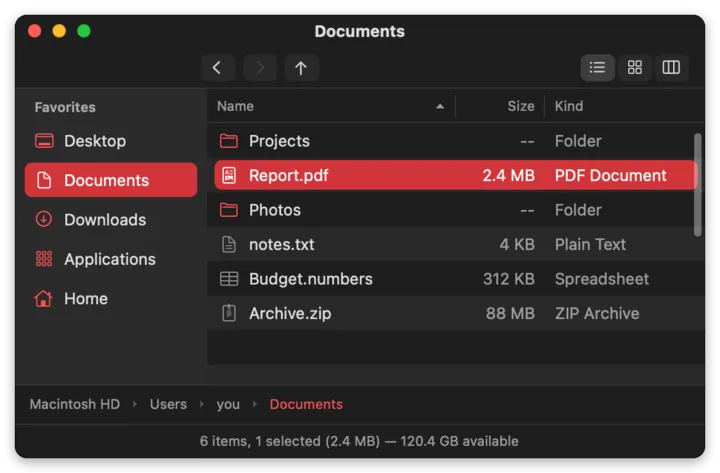
9 themes, every one editable live and exportable as .bftheme. every theme can be changed or forked and u can share em w ur buddies.
retro themes are drawn in code. no apple or microsoft fonts, icons or sounds are shipped.
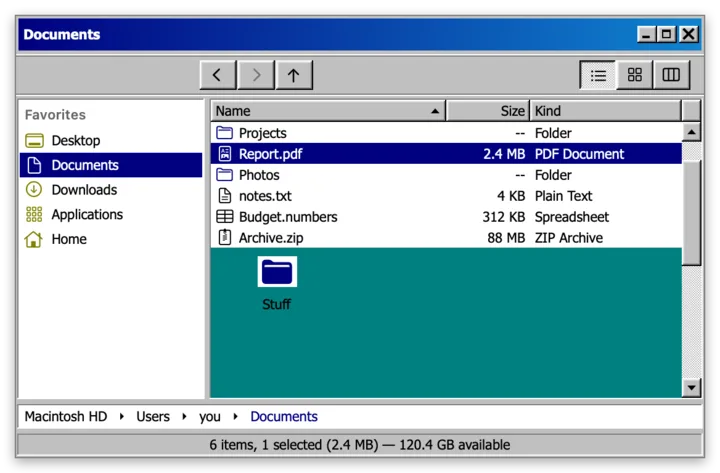
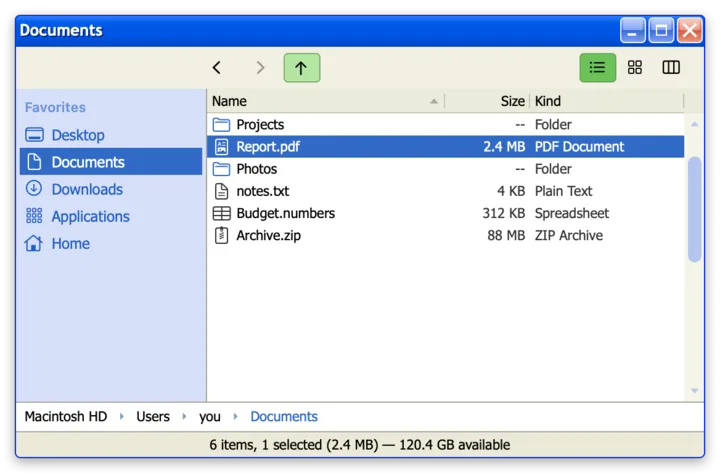
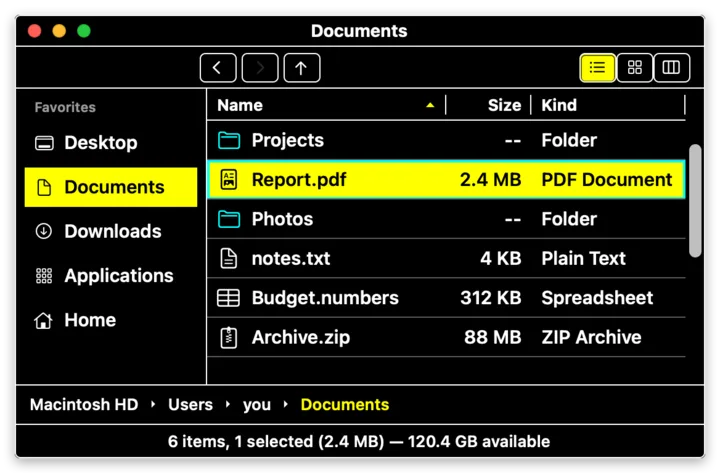
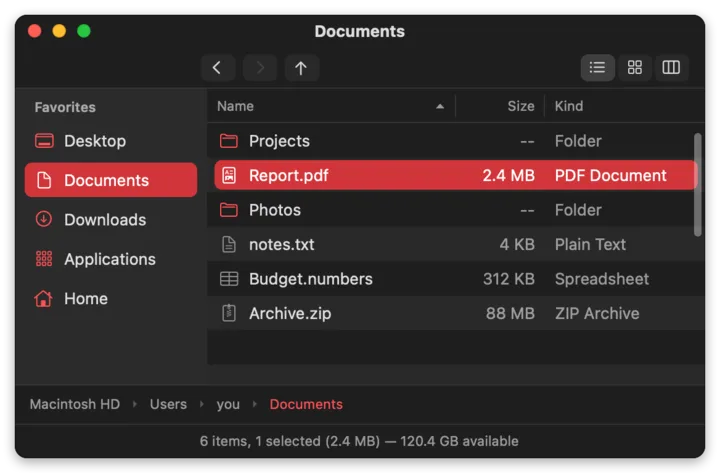
everything is moddable
panels, slide-outs, toolbar buttons, columns, previewers, sidebar sections, commands, file op hooks, themes, icon sets. mods run sandboxed and get checked before they turn on. anything that fails the check stays off.
write em in bfscript (typed json), typescript or js. browse + install from settings → mods, or from the mod index.
turn on developer mode and u get a built in mcp server, so an mcp client can scaffold, test, hot load and package a mod for u. if u can dream it u can ... do it i think thats a quote from something.
betterfinder-mod scaffold me.cool-thing --language ts --template panel
betterfinder-mod validate me.cool-thing
then mods → load unpacked mod… and it hot reloads on save. the modding guide
- git-panelbranch in the status bar, side panel w status + branch switcher, right click → gitignore or hide from git
- weather-paneltemp in the status bar, slide-out forecast for ur city
- drop-stackpath finder style shelf. stash files then drop em somewhere
- folder-notessticky notes per folder
- trash-cata cat in ur status bar that eats ur trash
also
colored labels
tagged files get the whole row tinted like old finder. list, column and icon view.
columns that fit
column view sizes each column to its longest name.
better right click menu
new ▸ and open in terminal are always there, w the terminal app of ur choice.
copy path ur way
the plain path, or copy path as url, windows, unc, hfs or terminal escaped.
get info + mini info
hold ⌥ for a small floating card. drives show capacity + whats used.
hide ur home name
show it real, as ~, custom, or blurred. for screenshots + streams.
status bar ur way
reorder or turn off any item, incl ones from mods.
updates
checks for new releases and swaps itself in when u let it update.
replacing finder
macos doesnt let anything fully replace finder. heres what actually moves over.
| what | moves over |
|---|---|
| "show in finder" from other apps (vs code, chrome, etc) | yes |
| open ~/some/folder + apps opening folders | yes |
| dock stacks / spotlight ⌘↩ | sometimes |
| desktop icons, open/save dialogs, airdrop | no |
questions ppl ask
want the whole tour? betterfinder.info.
is betterfinder free?
yes. its a free download and the source is on github under GPLv3 w additional terms.
what does it run on?
macos 14 or newer, on apple silicon.
does it replace finder?
macos doesnt let anything fully replace finder. show in finder from other apps and opening folders moves over. dock stacks and spotlight sometimes do. desktop icons, open/save dialogs and airdrop dont.
how do i install it?
download the latest release, open the dmg, drag it to applications.
can i make my own mods?
yes. write em in bfscript (typed json), typescript or js. turn on developer mode and u get a built in mcp server, so an mcp client can scaffold, test, hot load and package a mod for u. docs live in the wiki.
does it write .DS_Store files?
no. never.
does it ship apple or microsoft assets?
no. the retro themes are drawn in code. no apple or microsoft fonts, icons or sounds are shipped.
go get it
download the latest release, open the dmg, drag it to applications.